TL;DR: JSON has a small, strict grammar — the errors that break a parser (trailing commas, unquoted keys, single quotes) are invisible in minified data but obvious once formatted. Knowing the actual syntax rules turns "the API returned an error" into a two-second fix. Pair this guide with Encoding Converter, Character Counter, Text Difference and AI Hidden Characters.
Formatting JSON means adding whitespace and indentation to make its structure readable; validating it means checking that structure actually follows the grammar defined in RFC 8259. Minified JSON — the compact, whitespace-free form APIs actually transmit — is correct but unreadable; a formatter reverses that without changing the data.
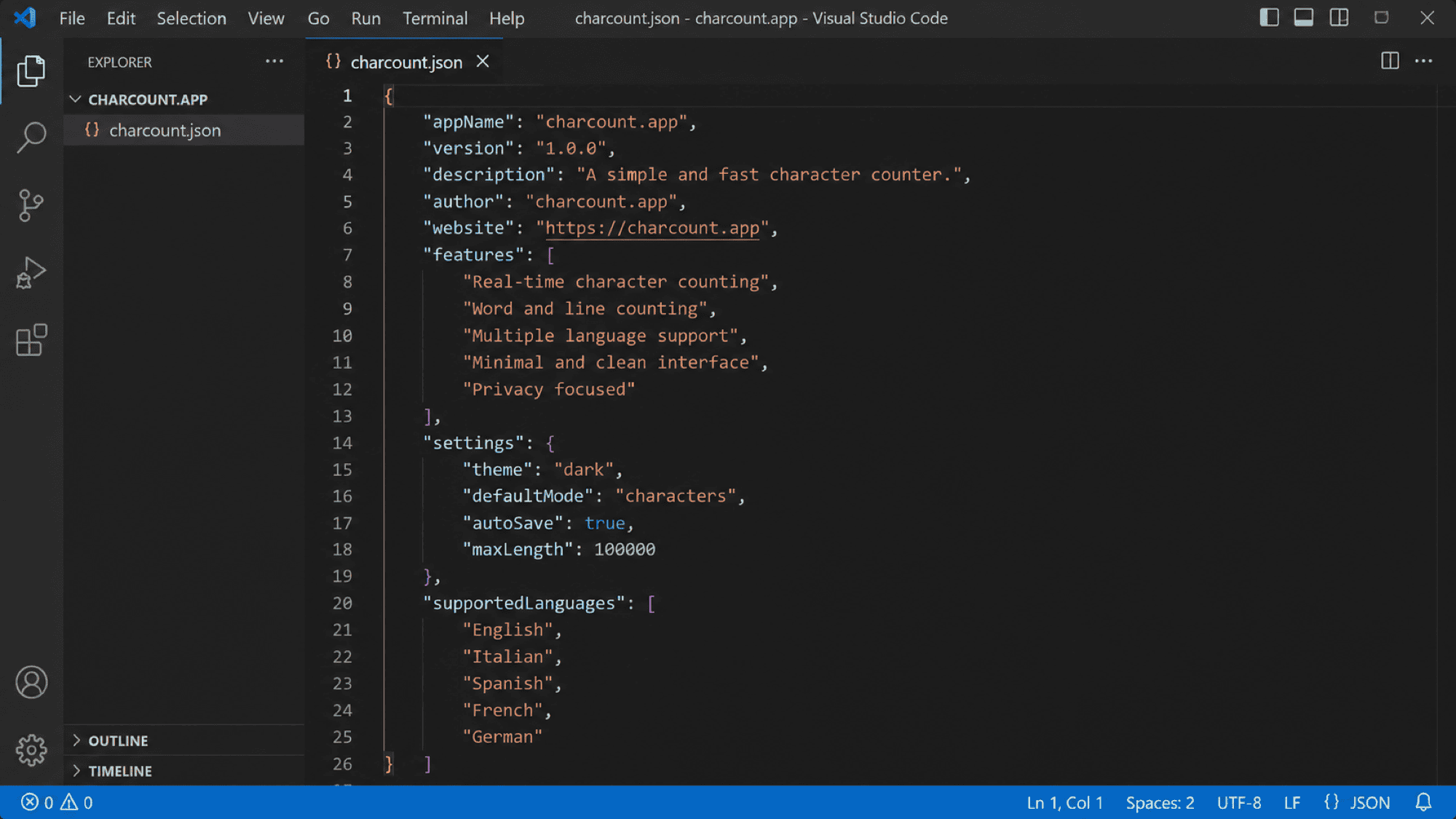
The syntax rules that actually matter
JSON keys must be double-quoted strings — {name: "value"} is invalid, only {"name": "value"} parses. Single quotes are never valid for strings or keys, unlike JavaScript object literals, which JSON's syntax deliberately restricts. A trailing comma after the last item in an array or object — ["a", "b",] — is invalid JSON, even though it's harmless (or even required by convention) in some other languages, and it's one of the most common reasons hand-edited JSON fails to parse.
Why "it looks right" isn't the same as valid
A JSON document can be visually indistinguishable from a valid one and still fail to parse — a missing closing brace at the end of a large nested structure, a smart quote (“) pasted in from a word processor instead of a straight ", or a stray comment (JSON has no comment syntax at all, unlike JSON5 or JSONC) will all break a strict parser while looking fine at a glance. This is exactly why formatting before eyeballing helps: proper indentation makes an unclosed brace visually obvious by breaking the expected nesting pattern.
Formatting vs. schema validation
A formatter checks that the JSON is syntactically valid — braces balanced, strings quoted correctly, no trailing commas. It does not check whether the data makes sense: whether a field that should be a number is actually a string, or a required field is missing. That's a separate concern, handled by JSON Schema validation, which checks structure and types against a schema definition rather than just checking that the JSON itself is well-formed.
A workflow for messy or broken JSON
- Paste the raw JSON — minified, broken, or otherwise — into a formatter first.
- If it parses, review the indented structure for the field or value you're actually looking for.
- If it fails to parse, check the error location first: most parsers report a line/column, which usually points directly at a missing comma, brace, or quote.
- Watch specifically for trailing commas and smart quotes when the source was hand-typed or copy-pasted from a non-code editor.
Common mistakes to avoid
- Assuming valid-looking indentation means valid JSON — formatting and parsing are separate steps.
- Adding a trailing comma out of habit from JavaScript or Python, where it's often tolerated.
- Pasting JSON from a word processor and getting curly smart quotes instead of straight ones.
- Confusing "formats without error" with "matches the schema the API expects" — those are different checks.
Most JSON errors are one specific character in one specific place — a formatter's real value is making that place visible instead of leaving you to scan a single unbroken line for it.