TL;DR: length matters more than complexity — NIST's current password guidance (SP 800-63B) explicitly favors long passphrases over forced symbol/number combinations, and it recommends checking against known-breached password lists instead of expiring passwords on a schedule. Pair this guide with Character Counter, Text Encryption, Duplicate Finder and AI Hidden Characters.
Password strength is fundamentally about entropy — how many guesses an attacker needs on average — and length increases entropy exponentially, while adding a mandatory symbol only adds it linearly.
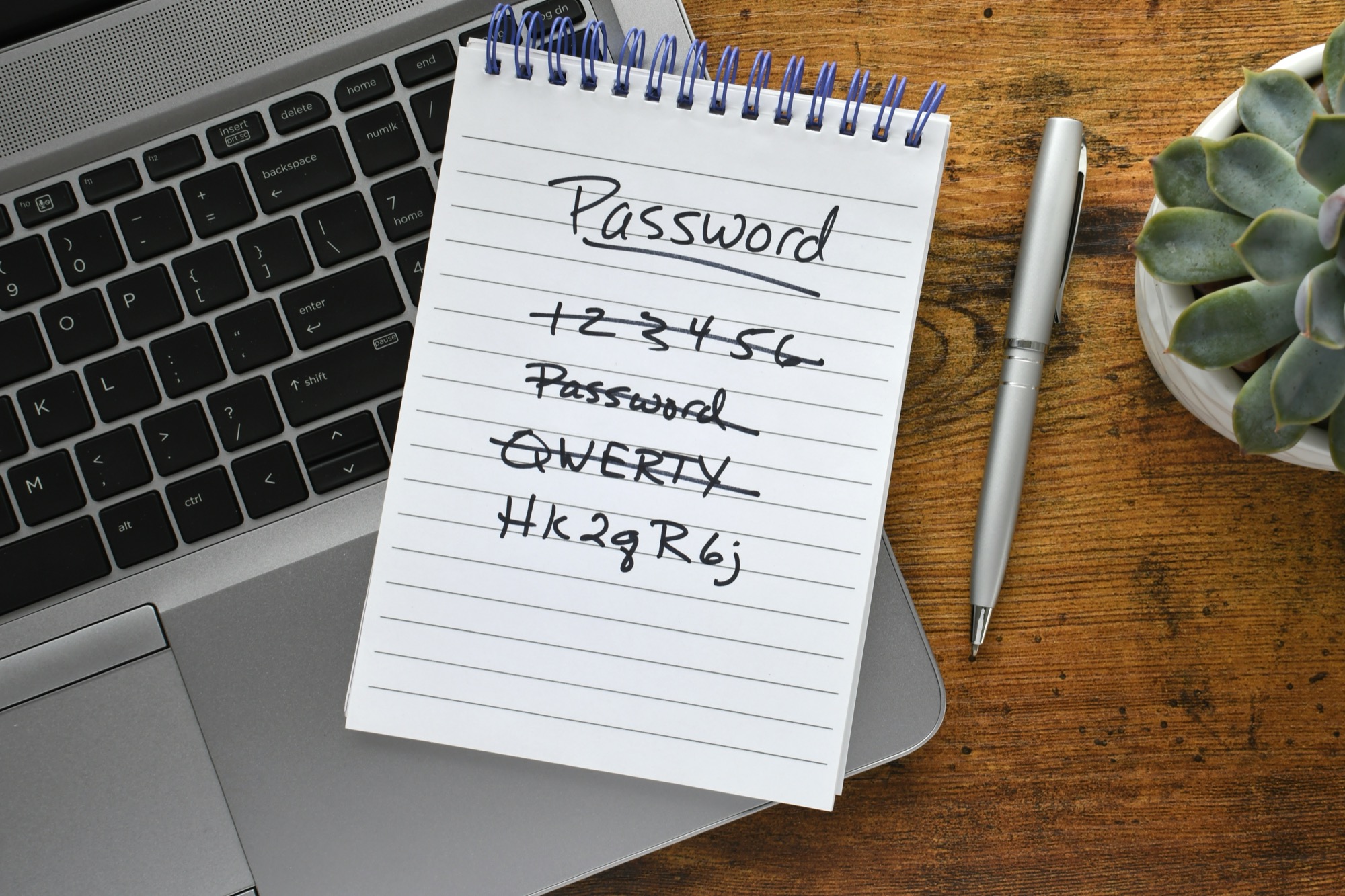
Why length beats complexity rules
A password's search space grows with the size of the character set raised to the power of its length: an 8-character password using lowercase-only has roughly 26⁸ (~2×10¹¹) possible combinations, but a 16-character lowercase-only passphrase has 26¹⁶ — many orders of magnitude larger — despite using a smaller, simpler character set. This is the core reason NIST SP 800-63B recommends long passphrases over short, complex strings: four random unrelated words is both easier to remember and harder to brute-force than "P@ssw0rd1!".
What NIST actually stopped recommending
Two long-standing "best practices" are now explicitly discouraged in NIST's current guidance: mandatory periodic password expiration (which tends to make people choose weaker, more predictable passwords when forced to change often — a common pattern is incrementing a number at the end), and forced complexity rules requiring specific character classes, which push people toward predictable substitutions (@ for a, 0 for o) that attackers' dictionaries already account for. The current recommendation instead is: allow long passwords (64+ characters), don't force arbitrary complexity, and check new passwords against lists of known-breached credentials.
Why breach-list checking matters more than a strength meter
A password can have high theoretical entropy — long, random-looking, mixed case — and still be dangerous if it appears in a known data breach, because attackers use these leaked lists as their first guess, not brute force. This is why services like Have I Been Pwned's password API exist: checking a new password against known-breached lists catches a real risk that a generic strength estimate, which only measures theoretical randomness, can't see.
A practical approach
- Use a passphrase of 4+ unrelated words, or a random string of 16+ characters, rather than a short complex one.
- Never reuse a password across sites — a breach at one service becomes an attack on every account using the same password.
- Check new passwords against known-breach lists rather than trusting a visual "strength" meter alone.
- Use a password manager to generate and store unique passwords per site — length and uniqueness stop mattering as a memory burden once you're not memorizing them.
- Only rotate a password when there's a specific reason (a suspected breach), not on an arbitrary schedule.
Common mistakes to avoid
- Prioritizing symbol/number complexity over raw length — length contributes far more entropy per added character.
- Reusing a strong password across multiple accounts, which defeats the point the moment one site is breached.
- Trusting a password because it "looks random" without checking whether it appears in a known breach.
- Rotating passwords on a fixed schedule out of habit — NIST's current guidance explicitly advises against this practice.
A strong password today is a long, unique one — checked against known breaches, not a string forced through arbitrary complexity rules that mostly make it harder to remember and no harder to guess.