TL;DR: A case converter switches text between UPPERCASE, lowercase, Title Case, Sentence case, and code styles like camelCase or snake_case. The one thing automatic conversion gets wrong is names and acronyms — Title Case will happily turn "NASA" into "Nasa" and "McDonald" into "Mcdonald". This guide explains which case to use when, and how to convert cleanly without mangling proper nouns.
Changing letter case sounds trivial until you do it across a whole document and discover the tool has flattened every acronym and surname. Case is partly mechanical and partly editorial, and knowing the difference is what keeps the result readable.
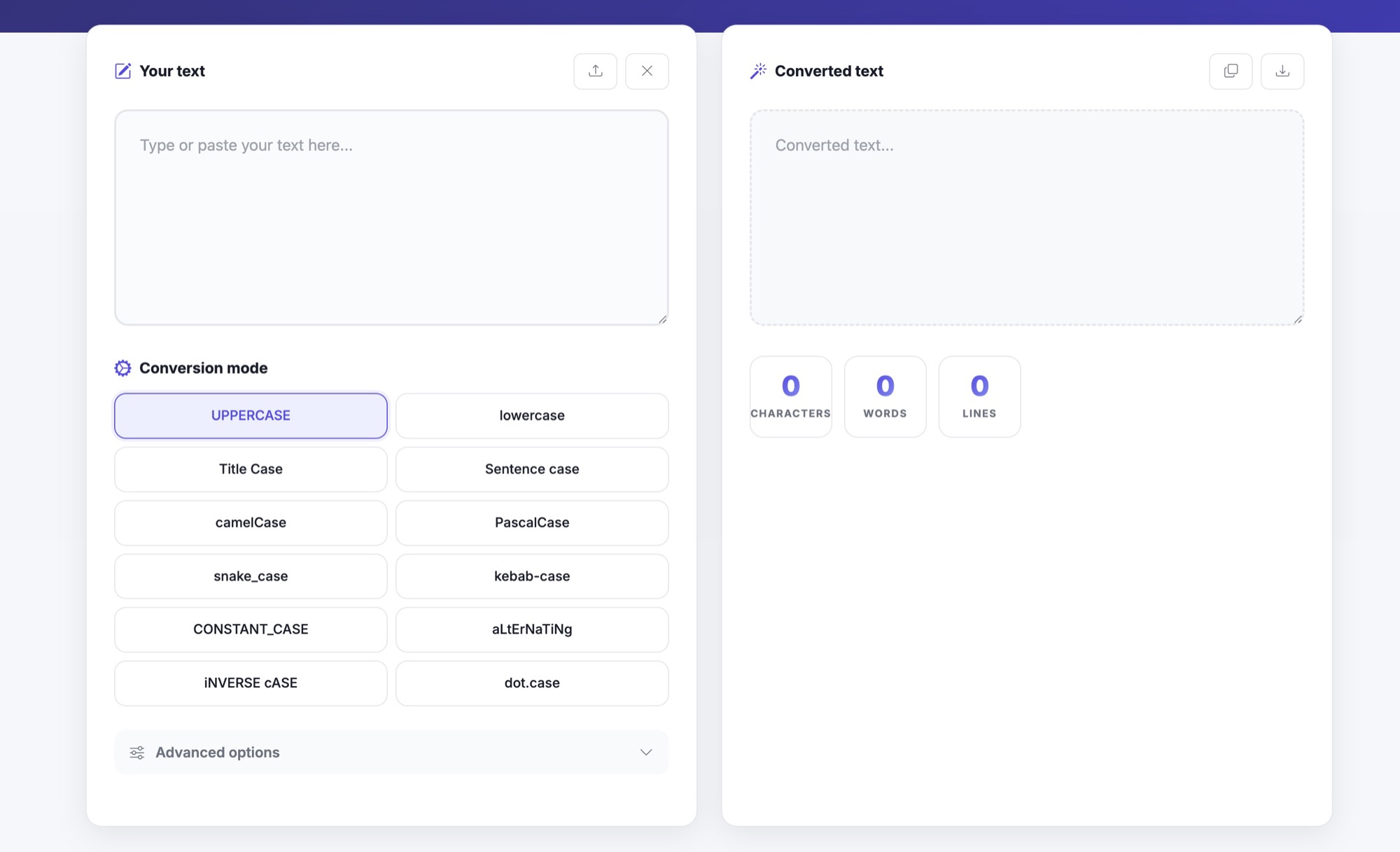
The cases worth knowing
- UPPERCASE / lowercase — uniform transforms, safe on any text.
- Title Case — capitalises the first letter of every important word: "The Quick Brown Fox". Good for headings.
- Sentence case — capitalises only the first word and proper nouns: "The quick brown fox". Good for body copy and UI text.
- Developer styles —
camelCasefor variables,PascalCasefor classes,snake_casefor database columns,kebab-casefor URLs and CSS.
Where names and acronyms break
Automatic Title Case applies one rule — "capitalise the first letter, lowercase the rest" — and that rule is wrong for anything already capitalised deliberately. "NASA" becomes "Nasa", "iPhone" becomes "Iphone", "McDonald" becomes "Mcdonald", and "O'Brien" can become "O'brien". These are not bugs in the conversion; they are the limit of a mechanical rule meeting human naming conventions.
The practical fix is to convert first and proofread the proper nouns second. Run the bulk conversion for speed, then scan specifically for brand names, personal names, and initialisms and restore their intended casing by hand.
Accents and non-English text
Casing is not the same in every language. A good converter uses Unicode-aware locale methods (toLocaleUpperCase / toLocaleLowerCase) so accented characters like é, ü, and ç uppercase correctly, and locale-specific rules — such as the Turkish dotless "ı" — are respected instead of corrupted.
A clean workflow
- Pick the target case for the job: Title Case for a heading, Sentence case for a paragraph, a code style for identifiers.
- Convert the whole block at once in the Case Converter.
- Re-read for proper nouns and acronyms, and fix any the tool flattened.
- If you are also tidying spacing or counting length, pass the result through the Character Counter before publishing.
Common mistakes to avoid
- Trusting Title Case to preserve acronyms — it won't.
- Using Title Case for full sentences, which over-capitalises and reads oddly.
- Mixing developer styles in one codebase (camelCase here, snake_case there).
- Converting accented text with a tool that isn't Unicode-aware.
Case conversion is a two-step task: let the tool do the mechanical part in one click, then spend ten seconds restoring the names and acronyms that only a human knows are intentional.